Smooth everyday use
A fast-to-learn interface built for daily use by teachers and teams.
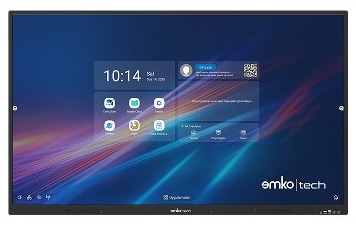
EmkoBoard brings teaching, presentations, touch interaction, and device management together in a clear, simple experience. A reliable hardware and software solution for schools, organizations, and meeting rooms.
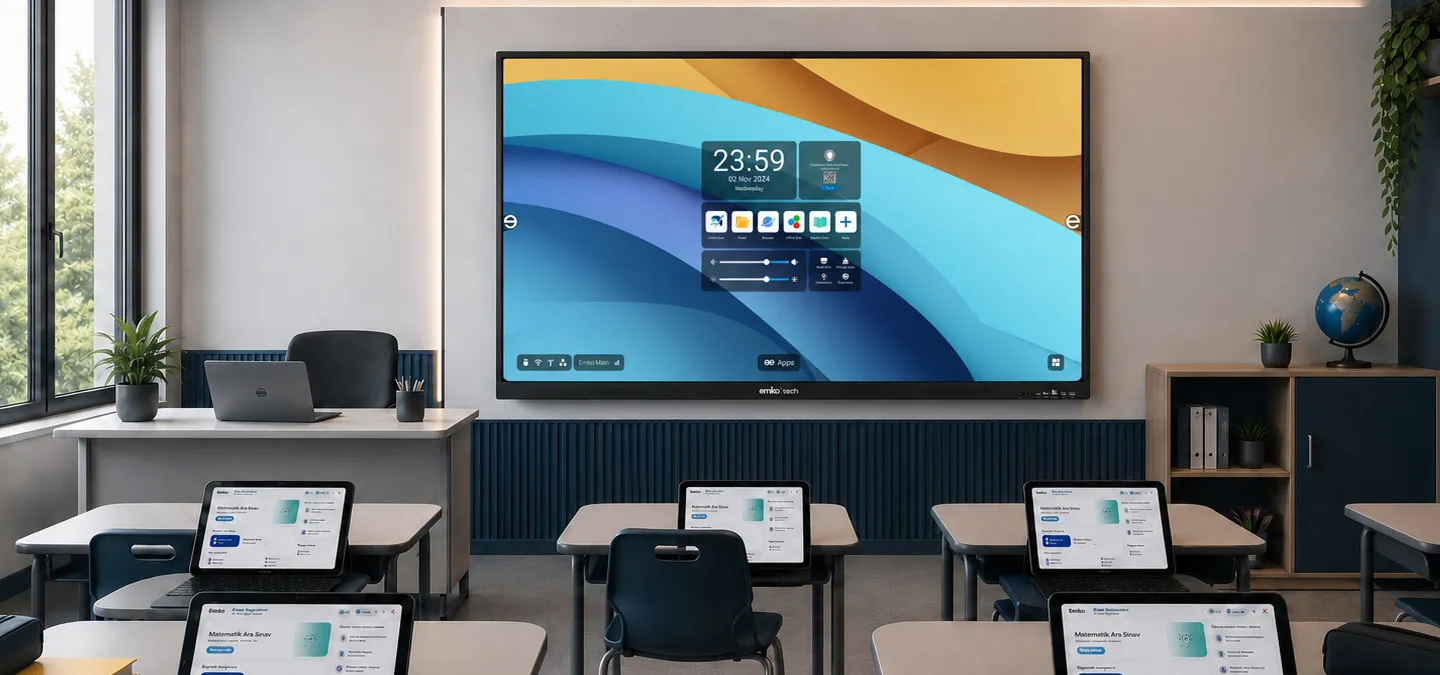
A clear, familiar setup for lessons, presentations, and content sharing.
A clean, reliable solution structure designed for different use cases—from classroom teaching to internal presentations.
A fast-to-learn interface built for daily use by teachers and teams.
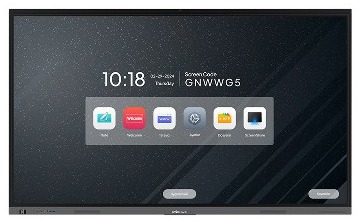
Adapts to different needs with Android-based use and an OPS PC option.
Designed for high readability of lesson materials, presentations, and visual content.
A consistent product lineup for schools, municipalities, public institutions, and distributors.
An interactive display combines screen, touch surface, software, and connectivity in a single device. It makes teaching, meetings, and content sharing more practical.
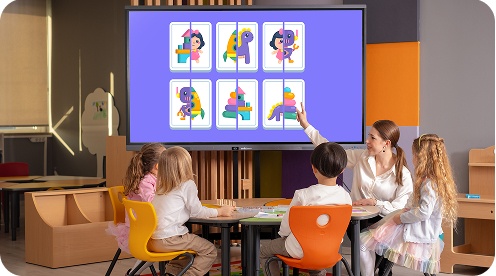
EmkoBoard interactive displays are more than a screen—they are an integrated digital workspace that simplifies teaching, presentations, and teamwork. Teachers, trainers, and professional teams can manage all their content from one place.
Writing, drawing, annotating documents, and managing lesson flow are designed for everyday use.
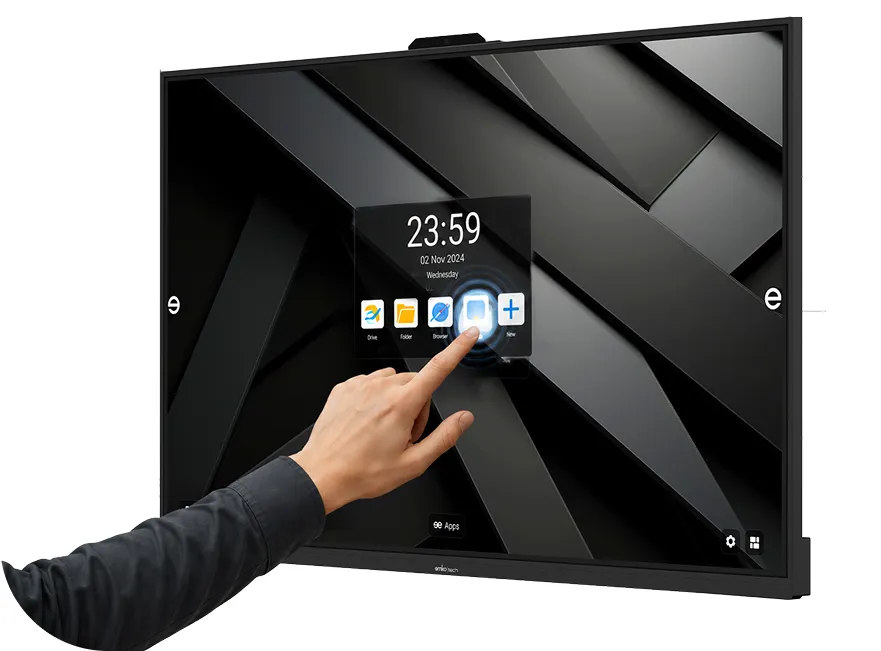
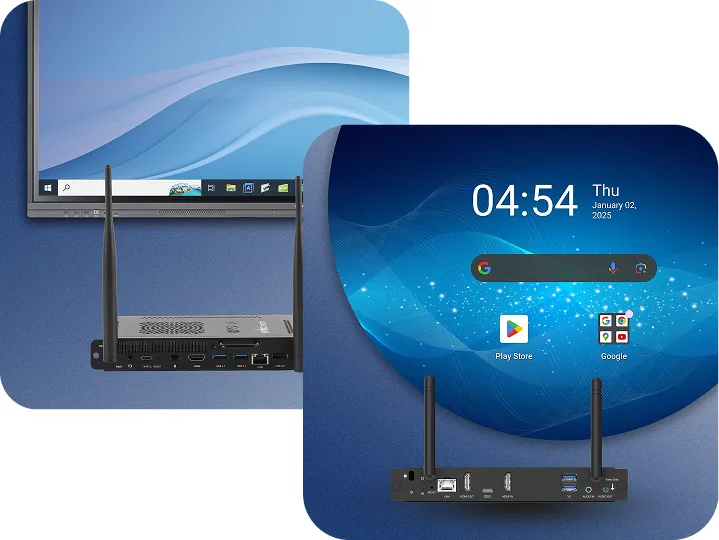
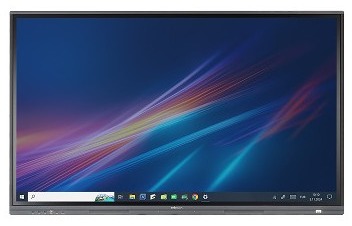
Emko OPS solutions add more power and functionality to your EmkoBoard interactive displays with Android and Windows options. Plug-and-play integration delivers high performance and a seamless experience for education and corporate scenarios.
Organizations can work with an Android interface, a Windows-based OPS PC, or education-focused software—depending on how they prefer to work.
Ideal for core apps, quick access, and a straightforward interactive display experience.
Adds flexibility for Windows applications and corporate workflows.
Supporting tools for teaching, note-taking, and content sharing.
Makes it easier to share content and present from different devices.
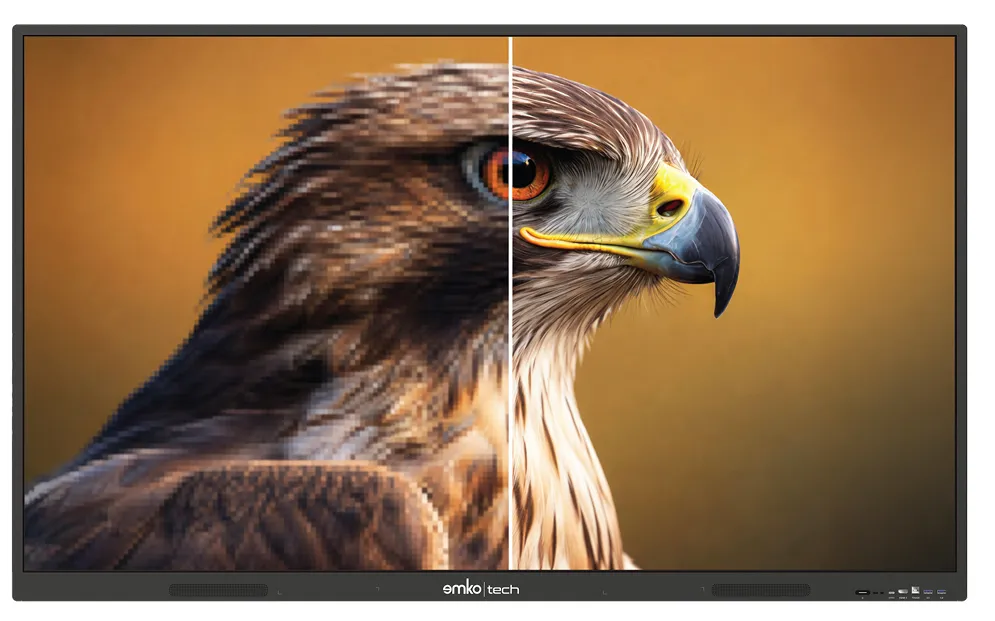
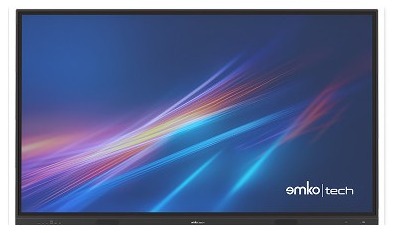
Clarity matters for visual materials, technical drawings, tables, and presentations. EmkoBoard delivers a viewing experience that supports readability in classrooms and meeting rooms.
Emko AI is positioned to support teachers and organizations with lesson preparation, content editing, and classroom workflows.
An interactive display is more than a large screen. For effective use in a classroom, meeting room, or training center, screen size, touch sensitivity, operating system, connectivity, and technical support should be evaluated together.
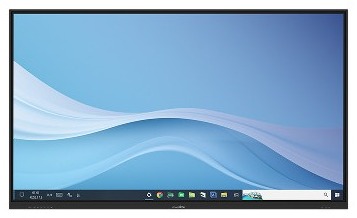
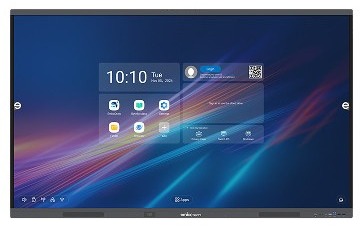
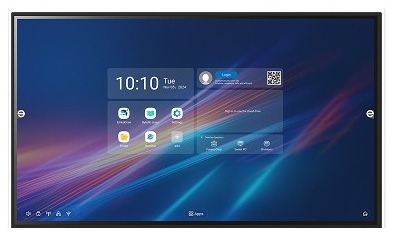
EmkoBoard interactive display models can be configured for daily institutional needs with different screen sizes, Android-based use, an OPS PC option, and education-focused software tools.
65”, 75”, 86”, 92”, and 98” options are evaluated by classroom size, viewing distance, and meeting-room layout.
Writing fluidity, pen support, and touch response time directly affect everyday comfort.
Android delivers fast everyday use, while the OPS PC option adds flexibility for Windows apps and corporate software.
Installation, training, warranty, and technical support matter as much as the product itself.
Compare EmkoBoard options by screen size, series, and use case—then request a quote or a demo.
| Model | Screen sizes | Series | Operating system | Ideal use | |
|---|---|---|---|---|---|
| Nova 6 | 65”, 75”, 86” | Nova | Android + OPS PC option | Education and corporate presentations | Details |
| V6 | 65”, 75”, 86” | V | Android + OPS PC option | Meetings and hybrid use | Details |
| Go6 | 65” | Go | Android + OPS PC option | Compact classrooms and offices | Details |
| Nova 5 Pro | 98” | Nova | Android + OPS PC option | Large halls and high performance | Details |
| Nova 5 | 65”, 75”, 86” | Nova | Android + OPS PC option | General education use | Details |
| Go+ 5 | 65”, 75”, 86” | Go | Android + OPS PC option | Flexible classrooms and meetings | Details |
| V5 | 65”, 75”, 86” | V | Android + OPS PC option | Corporate presentations | Details |
| Nova 5 Max Plus | 92” | Nova | Android + OPS PC option | Large halls and auditoriums | Details |
| Go 4 | 65” | Go | Android + OPS PC option | Entry-level education | Details |
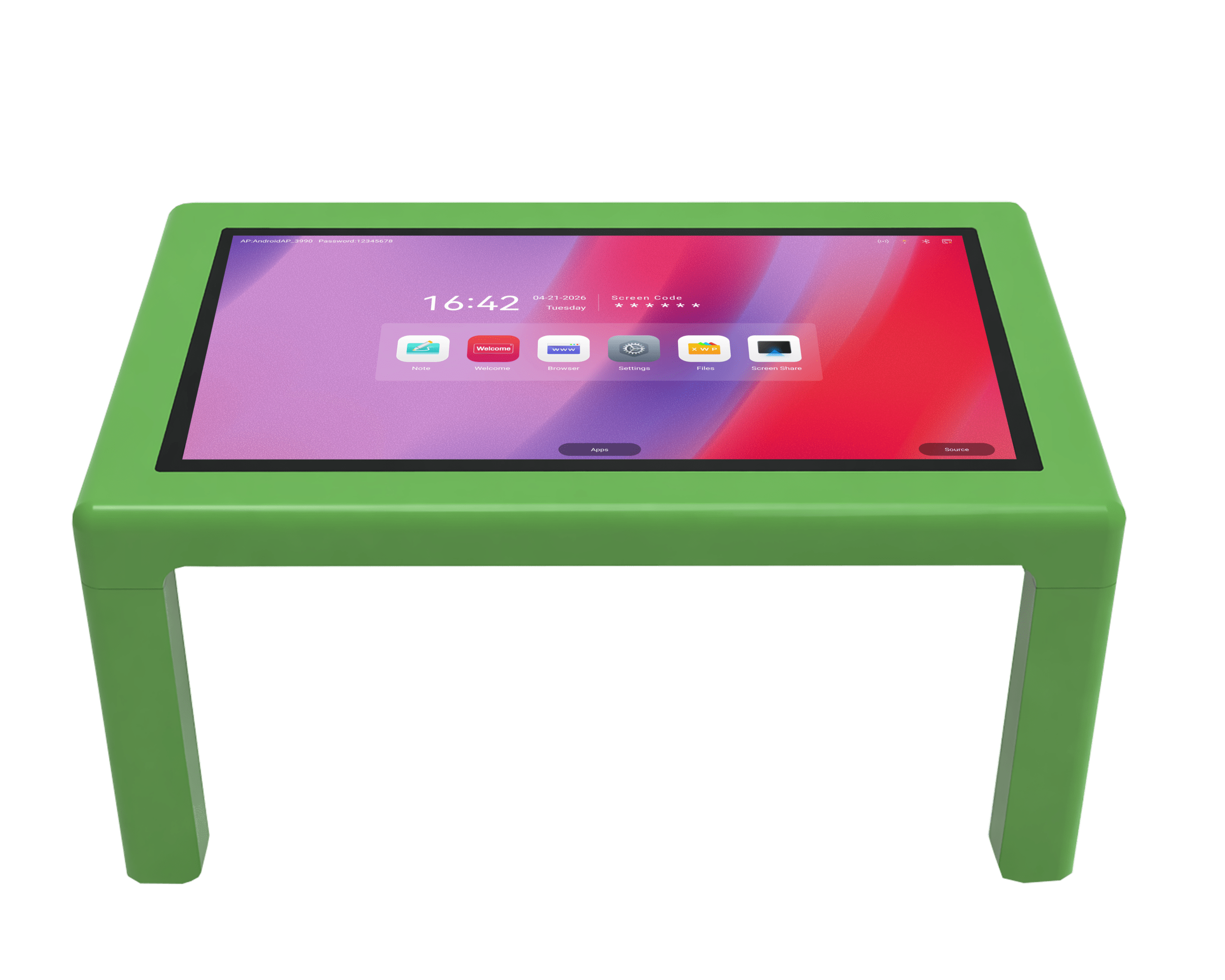
| Kids TouchTable | 43” | Kids | Android | Preschool and early childhood education | Details |
Quotes are prepared for project needs rather than a fixed list price. Screen size, panel and touch technology, OPS PC requirements, installation, and warranty scope are the main pricing factors. Read our guide for detailed price criteria, or contact sales for an organization-specific quote.
65” for smaller classrooms and rooms; 75”–86” for standard education and meetings; 92”–98” for large halls and auditoriums.
Android may be enough for core teaching and presentations. Add an OPS PC when Windows apps, institutional software, or higher processing power are required.
Mounting, warranty length, and after-sales support affect long-term total cost. Review our technical support hub for support processes.
Discover the EmkoBoard interactive display that best matches your education or business needs. Based on your use cases and team requirements, we help you find the right solution. Whether you want an interactive experience for classrooms or advanced technology for corporate meetings, take the quiz and choose with confidence. Start now and shape the future with EmkoBoard!
Try the EmkoBoard QuizSchools and businesses want to use technology to boost both productivity and engagement. The question that comes up most often: interactive display or projector?
Read moreThe experience an interactive display delivers is not limited to hardware—software is one of the factors that makes the real difference. The right software choice helps you get the most from interactive displays in education and business.
Read moreUsed across education and business, an interactive display is a long-term investment. When choosing, look beyond technical specs to warranty and service support as well.
Read moreAn interactive display is a modern education technology that lets you view digital content, take notes, and deliver interactive presentations directly on the surface thanks to its touchscreen and integrated computing hardware. Compared with traditional whiteboards, it offers higher visual quality, multi-touch support, and rich content via internet connectivity.
Yes. Our Emko software package includes Bytello OS, Bytello Class, Bytello Share, and EmkoBoard-specific whiteboard, screen mirroring, and lesson management tools. Teachers can share content, interact live with students, and manage lesson materials in the cloud.
Screen size, panel resolution, touch technology, processor/RAM, OPS PC requirements, installation, and warranty scope are the main factors. For an organization-specific quote, use the sales form.
First clarify the use case (education/meeting), then screen size and Windows requirements. The model comparison table above and the EmkoBoard selection tool help you narrow down the right model.
In everyday use, interactive display, interactive whiteboard, and smart board often refer to the same product category. EmkoBoard models support teaching, presentations, and meetings with touchscreens, software tools, and connectivity features.
Screen size should match the classroom or meeting room. Consider 65” for smaller spaces, 75” or 86” for medium and large classrooms, and 92” or 98” for larger halls.
An OPS PC is not required for every use case. The Android interface may be enough for basic use. If institutional software or higher processing power is needed, an OPS Computer can be preferred.
Mounting and commissioning are planned according to the project scope. For warranty, service, and common technical topics, see the technical support page and the FAQ section.
Based on your project, number of classrooms, use cases, and technical needs, we’ll help identify the right EmkoBoard model. Request a quote or a demo.
Discover the power of interactive displays that usher in a new era in education. Experience technology designed for modern classrooms that enhances interaction, collaboration, and efficiency. Are you ready for change? Contact us now for personalized consultation or a free quote!

 TR
TR  EN
EN  DE
DE  العربية
  Azərbaycan